The €23,000 Invoice Our Process Missed... And Our AI Found
A €23,000 invoice sat unnoticed for 24 days. Here's how a Claude routine now answers the questions finance asks every week, and why people still make every decision.
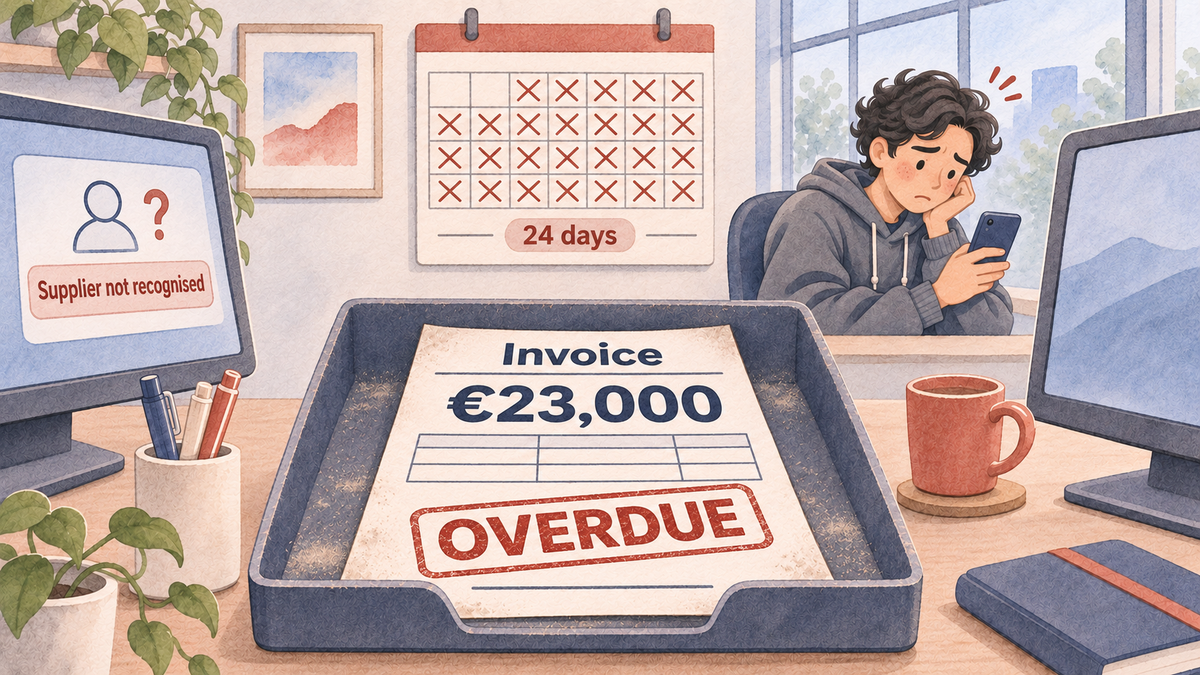
A few months ago, an email arrived in our finance inbox with a €23,000 invoice from one of our freelancers: a month of work, due at the end of the month.
The email was opened, forwarded to our bookkeeping tool and marked as done. So far, so good.

But the freelancer was new, and the bookkeeping tool didn't recognise the name yet. So it set the invoice aside and waited. Nobody did anything wrong; every step of the process was taken care of. The invoice simply got stuck between two of those steps.
It stayed there for 24 days.
Recurring questions that haunt us
If you work in finance, you know this list. The same questions come back every week, and each one usually means opening three systems and comparing them by hand. Here is how each one gets answered now:
- "Who do we need to pay this month, and what is already late?" One list: overdue in red, what must be paid this month, and what can wait for the month-end meeting.
- "Did we already pay this one?" Every invoice is checked against the bank before it goes on the list.
- "Did every invoice in the inbox make it into the books?" The finance inbox is compared with Exact, our accounting system. Anything missing is flagged. That is the question nobody asked about our €23,000 invoice.
- "Does this freelancer's invoice match the hours they logged?" The timesheet in Clockify is put next to the invoice. On the first run, this caught a freelancer whose hours were logged on a different project than the one the invoice was booked on, a small thing that would have distorted that project's margin.
- "Is the paperwork complete?" Each PDF is opened and checked for the VAT number and bank details. No document, no payment.
- "Is this project still making money?" Hours and costs per project come straight from Exact, and the margin is calculated on request.
None of these questions is hard. They are slow, repetitive and easy to skip when the month gets busy, which is exactly how an invoice ended up waiting 24 days. So we handed them to Claude.
Meet our Claude routine
Recently we switched on something new: a Claude routine, a smart workflow that runs on its own twice a month before every payment run.
It doesn't just tick boxes. Claude reads our invoices the way an experienced finance colleague would. It opens the PDF, checks the supplier, the VAT number and the bank details, and understands what it is looking at. It works across all our systems at once: the finance inbox, the bookkeeping tool, the accounting system, the bank and the freelancers' timesheets. For every invoice it reasons through one question: is this where it should be, and does it all add up?
In minutes, it found the €23,000 invoice. It also worked out why it was stuck: a new supplier the system didn't know yet.
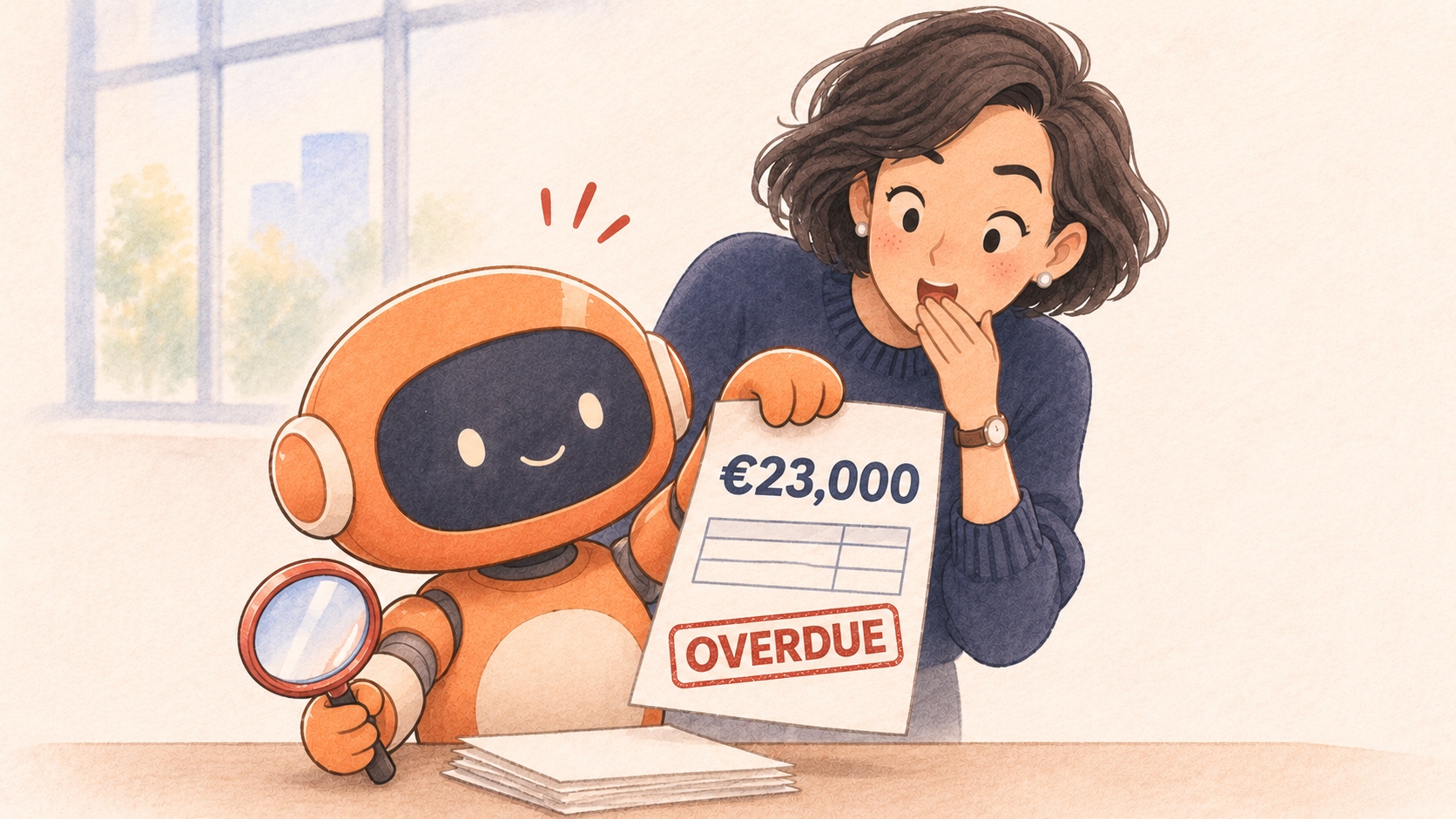
On the same run it caught the opposite case: an invoice that still looked unpaid in our books, although the money had already left the bank weeks earlier. Claude connected the two and kept it off the payment list, so we didn't pay it twice.
Designed by finance, for finance
This isn't a generic automation bolted onto our systems. Our finance team designed it carefully, step by step, starting from how we actually pay suppliers.
We wrote our own payment procedure first, and the routine follows it. Its rules are the ones any controller would recognise:
- No document, no payment. Every invoice needs its PDF, VAT number and bank details.
- Never pay twice. Every invoice is checked against the bank before it goes on the list.
- Four eyes. The person who prepares a payment never makes it.
- Close the loop. After every payment run, the bank is reconciled with what was approved.
Claude can read everything, but it can't change our books, move money or approve anything. We tested it on a real month before trusting it with the next one.
Humans stay in control
Claude prepares the list. Then people take over:
- Our director approves or holds each invoice.
- Our controller prepares the payment.
- A finance colleague checks it again before any money moves.
After the payment, Claude checks the bank once more and confirms that what was paid is exactly what was approved.

And this is just one of them
The payment run is one workflow. We run about five, and they all point in the same direction: a month-end close that is way, way easier. Here are the other four:
- Invoicing clients. Your team logs its hours in Clockify, as usual. Claude reads them, drafts the client invoice and puts it in Notion. The project lead ticks one box to approve, and the invoice goes out. No spreadsheets, no copy-paste.
- Reconciliation. Claude matches what the bank says with what the books say, and shows you only the lines that don't agree.
- Cash. Where is our money, what is coming in, what is going out, and when. Answered in one look instead of four logins.
- Bank statements. Every Friday the statements of our foreign-currency accounts are imported into the books, so the numbers are never weeks behind.
What do they have in common? You don't go looking for problems anymore. The problems come to you, already explained, with a box to tick.
What changed
Nobody works harder. The checks that used to depend on someone remembering now happen on schedule, every month, and the team spends its time on the decisions instead.